Filament for standard printers - temperature resistant up to 230 degrees? How does it work?
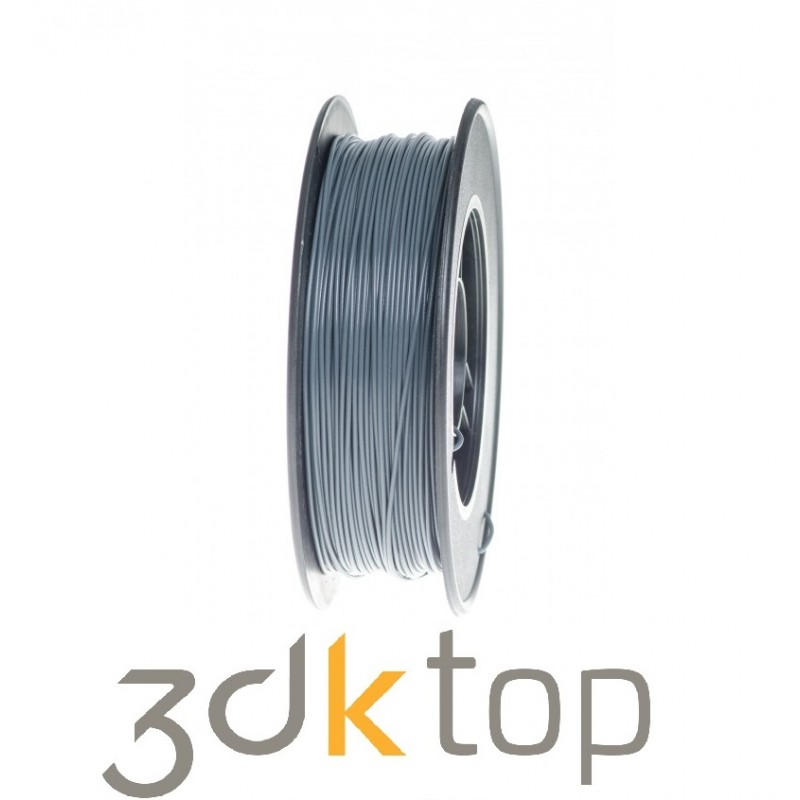
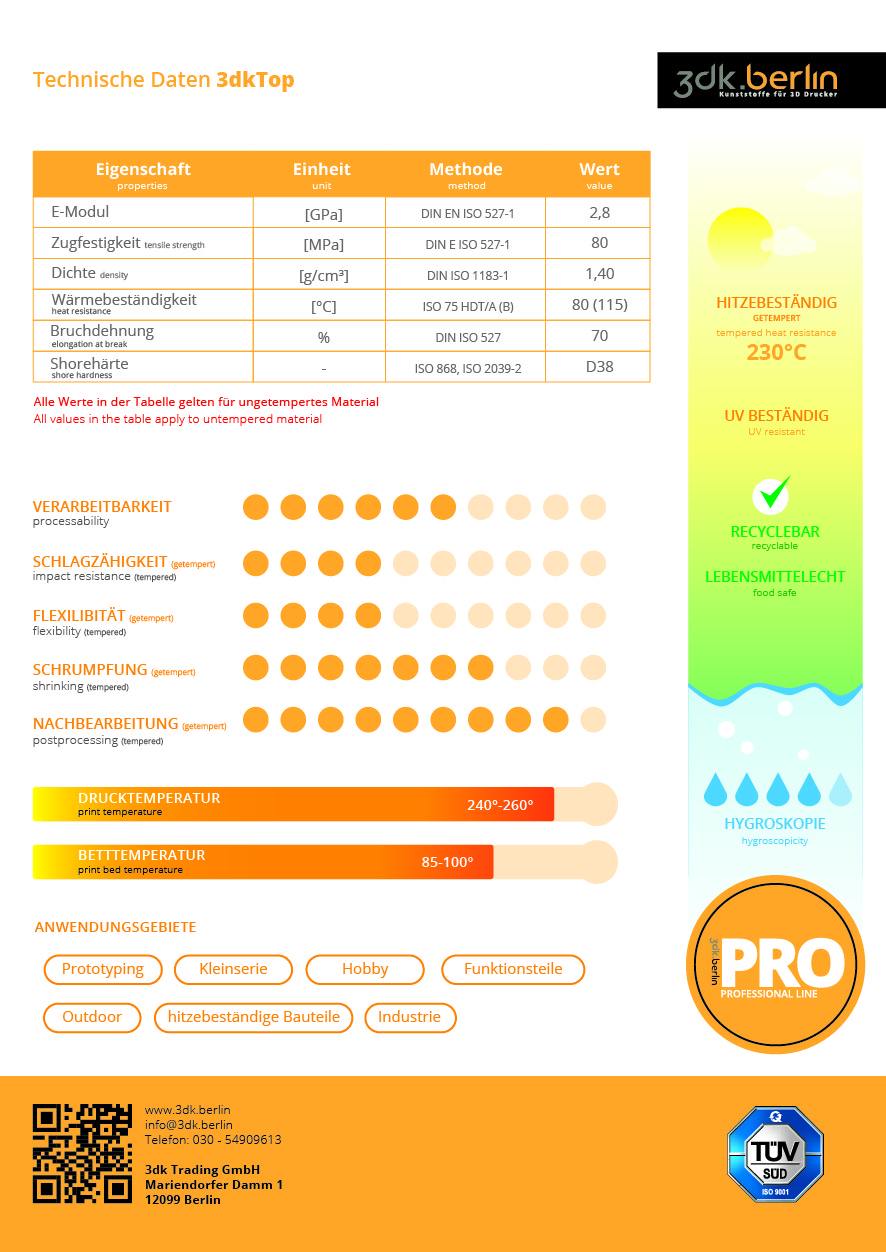
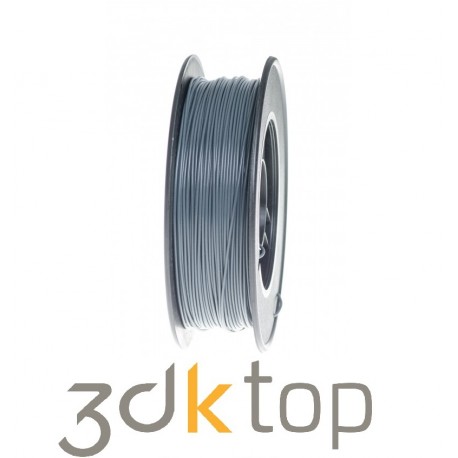
3dkTOP is printable on most FDM printers. The only requirement is to reach a minimum printing temperature of 260°C (you can find a list of printers that cannot print kTOP at the end of this article).
The printed object must be post-processed inside of a convection oven to activate the high-temperature properties. The process heats the printed object completely and it has to be cooled down gently (turn off the oven but leave the door closed!). The tempering process changes the properties of the materials fundamentally by building a partially crystalline structure. Afterwards, kTOP will become slightly softer at about 100°C, but it stays in shape and remains loadable.
kTOP´s glass transition temperature is reduced to a minimum, which means it doesn´t get softer with higher temperatures. kTOP melts at 245°C, which results in low viscosity. Tempering also improves solidity.
Possible applications:
Laminating and curing with PrePreg: PrePreg adheres very well to 3dkTOP. You can laminate a printed core, which will stay in shape while curing (140°C under pressure) and can remain inside the laminated part. Coated with a separating agent, 3dkTOP is suitable for re-use. You can even print form-cores for deep-drawing applications or parts for usage inside of engine bays, handles for pans and pots, microwave dishes, etc. You can print everything you can imagine, but you can´t print with standard filaments.
Processing of 3dkTOP in detail:
Printing: You can print 3dkTOP with your FDM printer just the way you are used to it. It sticks very well to the bed and prints very nicely. The suggested printing temperature should be set to 240-250°C, depending on the printer you have. If you need to print objects with a small footprint, you can print on a cold bed using blue- or browntape. For large footprint objects printing on capton or another material, the suggested temperature should be 90-100°C. To ensure that your prints have a good quality regarding bridges and overhangs, turn the active cooling on from the second layer. Please note that some printers may not work with temperatures above 220°C when active cooling is activated, but you can just turn it off.To reduce stringing, you can increase the retraction to 5mm (direct drive) or up to 10mm (bowden extruder).
Post processing:To activate the temperature resistance of 3dkTOP, it must be tempered. Heat your convection oven to 110°C and place your object inside it. The object must be heated thoroughly. It is hard to tell how long the material should last inside the oven, because it depends heavily on the volume of the object. A vase with a 2mm full printed wall can be done in 10 minutes, but a big volume build with a 0.8mm wall and 10% infill may take 60 minutes. Once you get used to the process, you will get a feeling for this. Once the process is finished, turn the oven off and let it cool down without opening the door. 3dkTOP will change its properties during the cooling process and will get stable and loadable. Most ovens are cold after an hour and you can remove your object from it.
Crystallisation tips: Unprocessed 3dkTOP gets soft at about 100°C. To avoid deformation, leave printed supports on the print while tempering and remove them later on. Place thin-walled objects, let´s say tubes, on the face instead of the radius inside the oven to avoid deformation caused by gravity. Big-scale objects with a huge footprint printed on the heated bed can have frictions inside which will get removed by tempering. This leads to warping (e.g., the middle of the object will bulge out of the print). To avoid this effect, place the object inside your oven at 60°C for 30 minutes. Now you can remove your print, heat the oven to 110°C and finish the post-processing.Shrinkage the printed part will shrink 2 to 3% during cristalisation process in X and Y direction. No shrinkage in Z axis is to be expected.Hotends that will work with 3dkTOP: Fullmetall-Hotends with effective Heatbreak and Heatblock, that can reach 260°C. Other hotends (e.g. CraftBot+) can print 3dktop if you use a 5mm retraction.
Printers which will fail to print 3dkTOP:
- Dremel Ideabuilder (doesn´t get hot enough)
- all printers witch cannot reach 260°C
Printers which can print 3dkTOp under certain conditions:
- MakerBot Replicator2 with active cooling turned off
High-quality filament
Made in Germany - printing 3D without layer-shifting or print-abortion - 3dk develops and produces PLA-filaments by German quality-standards in Berlin. You can take advantage of over 30 years of experience in plastic-processing combined with the application of high-quality raw-materials. The 3D filaments are produced on innovative assembly lines. The PLA is optimized to fit the requirements of FDM-printing. The filament's permanence and dimensional accuracy allow printing consistent surfaces. Layershift caused by overextruding is reduced appreciably. We monitor and test our filaments in our own laboratory on various printers.

 View larger